Component Gallery
Here you can find all the components available in the library. We are working on adding more components.
Layout

Spacer
Invisible block that adds white space

Container
Sets visual boundaries of a webpage, limiting content width

Padding
A wrapper that adds inner spacing around its child

Row
Arranges children in a line, from left to right
Devider
A thin line used as a separator. Helps to visually split blocks or interface elements.
Input
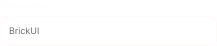
Input
A basic field where users can type text or numbers
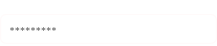
PasswordInput
Input field that hides characters to keep sensitive info
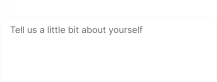
TextArea
A multi-line text field for entering longer content
Button
An interactive element that triggers an action when clicked

Checkbox
A small box that users can check or uncheck

Select
A dropdown menu that lets users choose options from a list
Display
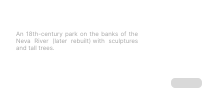
Card
A block that groups content in a visually separated container
Badge
A small label used to highlight things
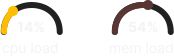
Gauge
A visual indicator, that shows value within a range
